
The Infinite Curves Plugin

From plotting points on our responsive color wheel to generating beautifully smooth transitions, Infinite Curves is designed to fit seamlessly into Photoshop. It takes the guesswork out of complex curve adjustments by offering an artist-friendly visual interface alongside the deep technical control professionals demand.

Add to Cart View Cart

Mathematically Perfect Gradation Curves

Our algorithm calculates mathematically perfect splines for each tone curve, ensuring incredibly smooth color transitions. Every adjustment translates into flawless, artifact-free grading that maintains pristine image quality across all tonal ranges.

Live BlendIf & Luminosity Presets

Target exactly where your colors should live with precision and speed. We’ve integrated built-in luminosity presets that let you instantly restrict your grading to specific brightness ranges. These presets seamlessly sync with Photoshop’s native BlendIf parameters, giving you immediate visual feedback and pixel-perfect targeting without the technical hassle.

Unparalleled Control with Point-Specific Layers

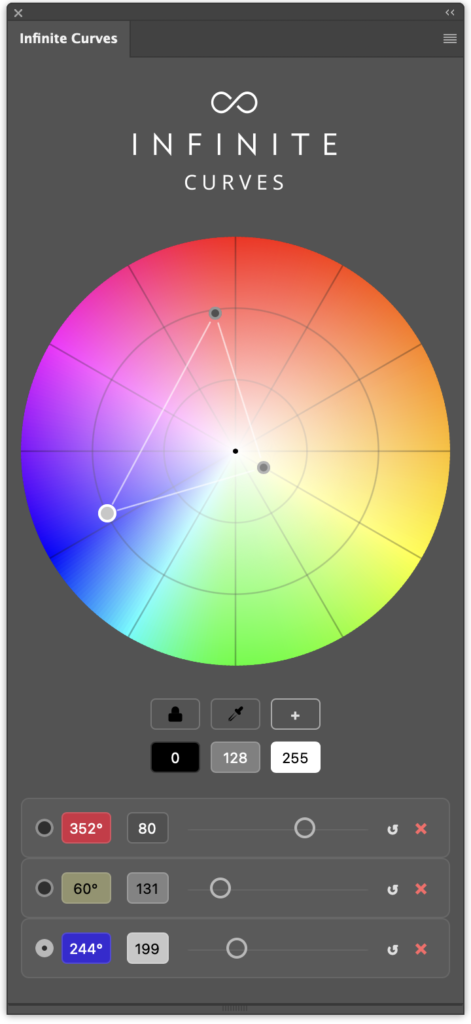
Every single point you plot on the wheel generates its own dedicated control layer within the plugin. This means you have absolute freedom to dive in and independently tweak the luminosity point, and overall strength of every specific adjustment. 

That‘s awesome! I need it!

Add to Cart View Cart

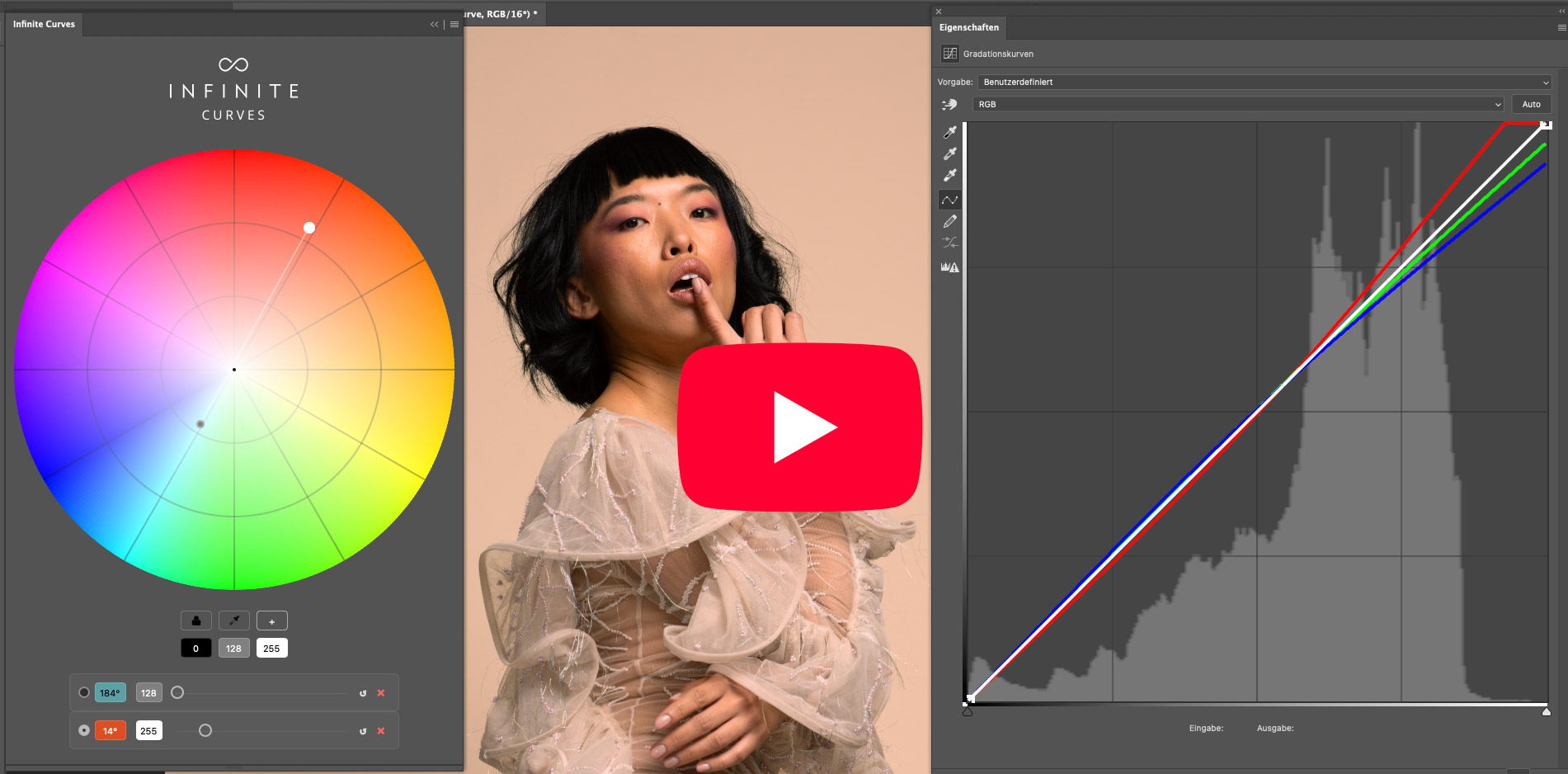
See how Infinite Curves works!

Key Features

  • Mathematically Perfect Curves: Flawless algorithms that prevent banding, guarantee ultra-smooth tone curves, and deliver the mathematically most saturation-preserving processing.
  • Luminosity Presets & BlendIf Integration: Instantly target highlights, midtones, or shadows with real-time syncing to Photoshop’s BlendIf settings.
  • Point-Specific Layers: Each color adjustment sits on its own layer, granting independent control over opacity and blending.
  • Intuitive Visual Interface: Use an interactive RGB and RYB color wheel to steer your grading visually instead of struggling with abstract coordinates.
  • Flexible Workflow: Safely experiment and refine your cinematic look with a 100% non-destructive layer structure.

Requirements

  • For Photoshop CC2022 (v23.x) or later
    (also runs on Mac Silicon)

Usage

  • Personal license for 2 computers
  • After signing in, you can work offline for 10 days

I can’t wait anymore!

Add to Cart View Cart